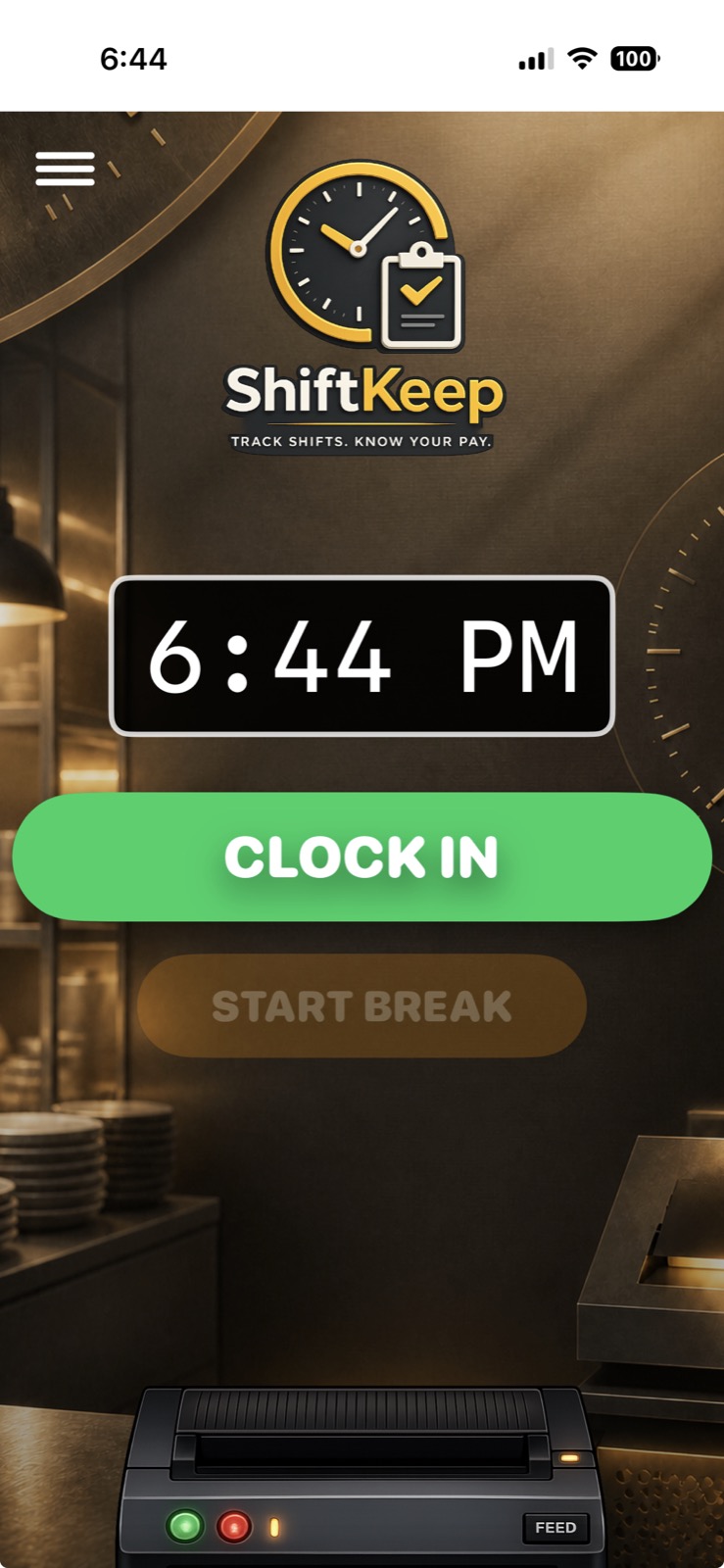
01 · Clock In
Start with today.
See the scheduled shift, select the workplace, and begin without digging through payroll software.
 ShiftKeep
Download on the App Store
ShiftKeep
Download on the App Store
ShiftKeep by Simic Solutions Inc.
ShiftKeep gives hourly workers one private place to record the shift they worked, the breaks they took, what they should earn, and the history they may need later.
Why ShiftKeep exists
“I know I worked it. I just can’t prove exactly when.”
Schedules change. Breaks get missed. Shifts cross midnight. Pay statements arrive days later. ShiftKeep keeps a worker-owned record while the details are still fresh.
The actual workflow
Build and save a weekly schedule across one or several workplaces.
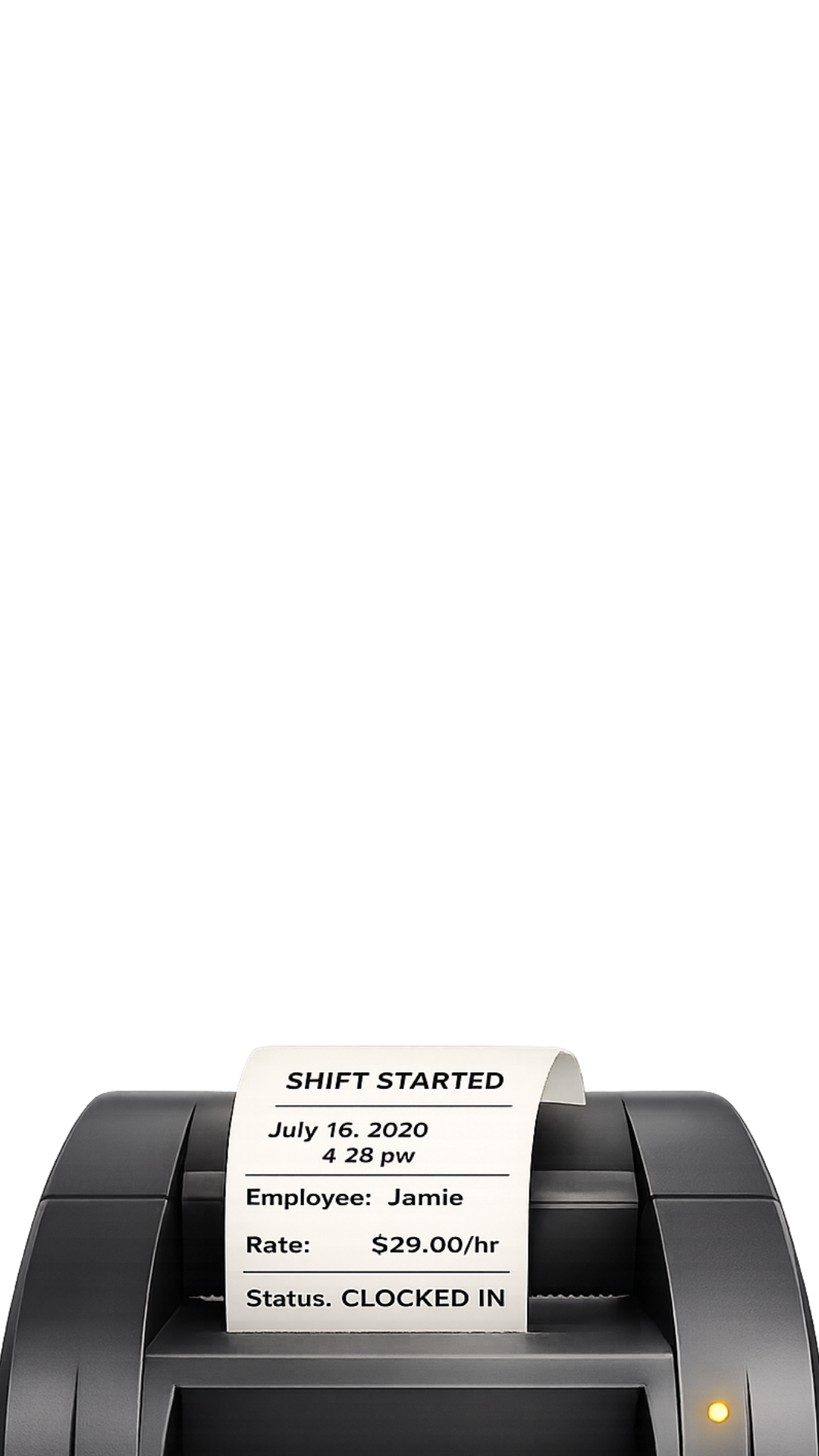
Clock in, track paid or unpaid breaks, and see the active shift at a glance.
Clock out with worked time and estimated earnings calculated from your settings.
Search the history later by workplace or date and open the shift details when needed.
This is ShiftKeep
Every screen below comes from the current app.
See the scheduled shift, select the workplace, and begin without digging through payroll software.
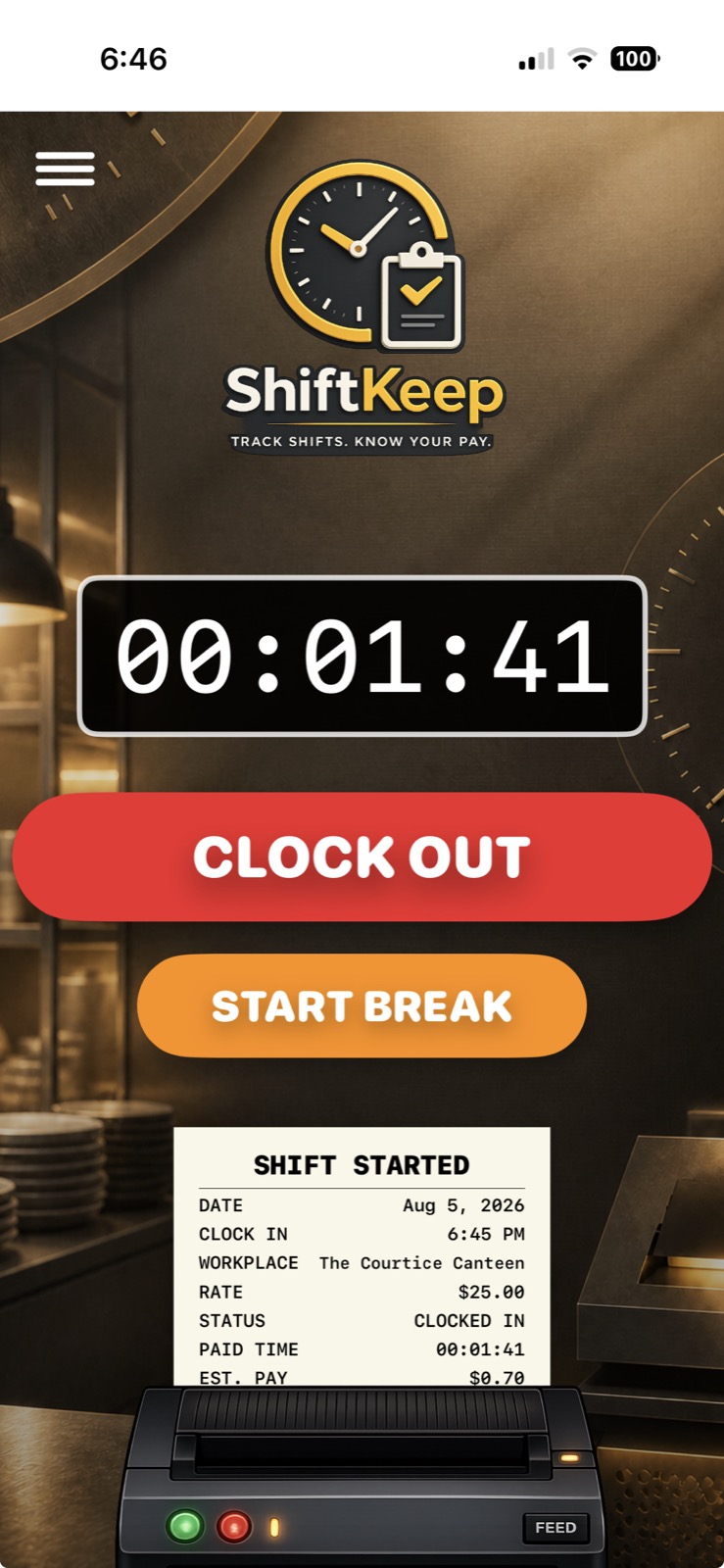
Track the live shift and record paid or unpaid breaks while the work is happening.
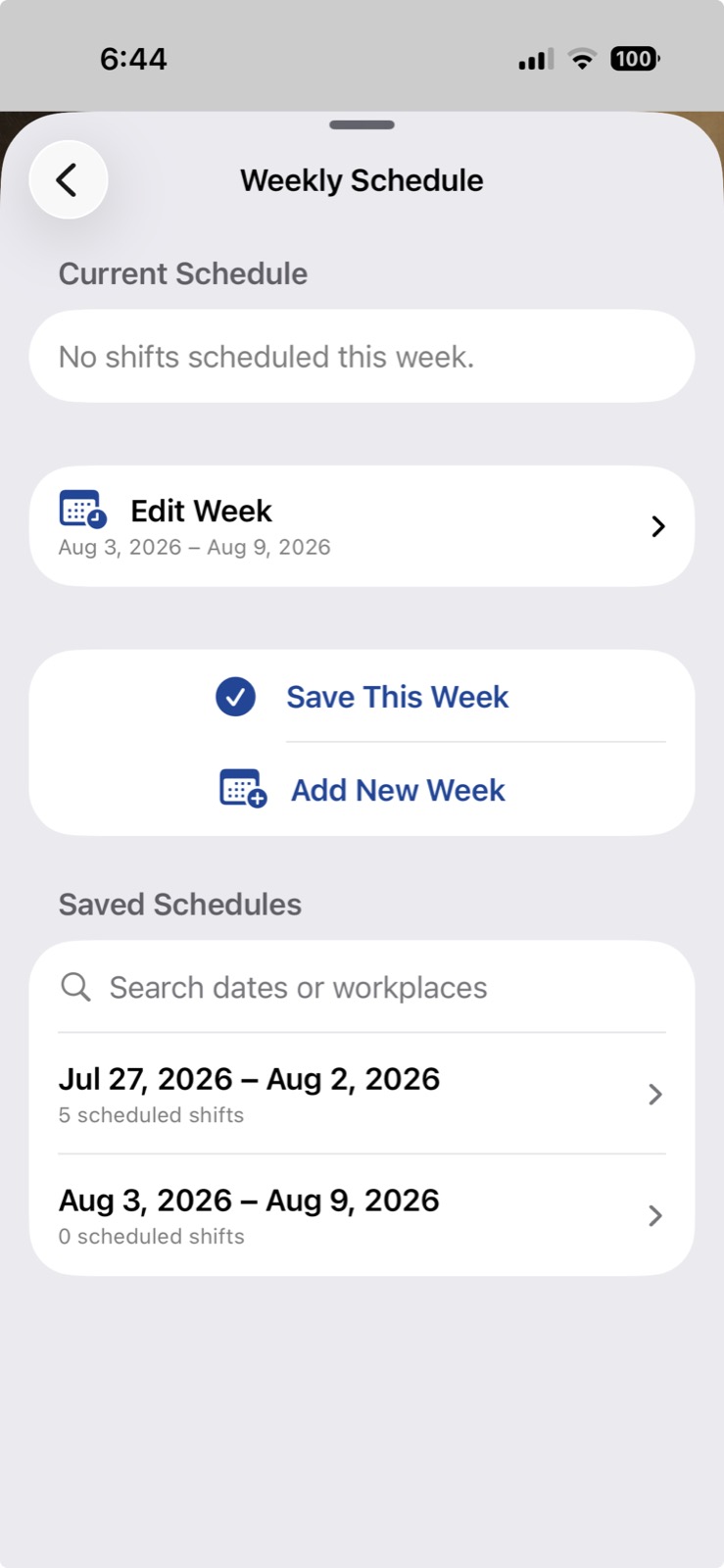
Create and reopen weekly schedules, including different shifts and workplaces.
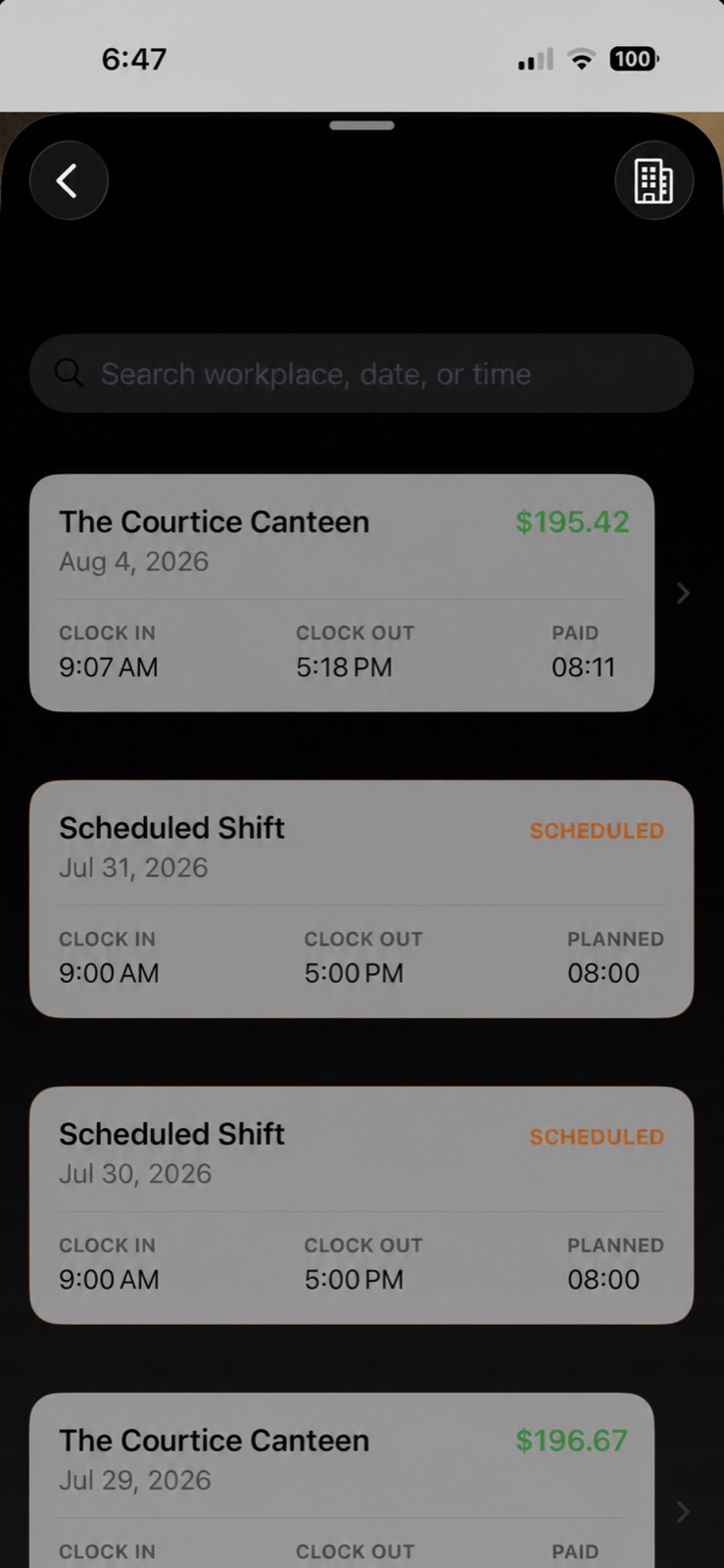
Search completed shifts and reopen the details instead of trusting memory when payday arrives.
What it handles
Keep separate rates, overtime preferences, schedules, and records for each place you work.
Record both so worked time and earnings estimates reflect the real shift.
Use workplace settings to understand what the recorded time should be worth.
Your live shift is designed to survive an app relaunch instead of disappearing halfway through the day.
Plan the week, then preserve the clock times that actually happened.
Find records by workplace or date-related terms and review the saved details.
Your record—not your employer’s system
ShiftKeep is built for an individual worker. It requires no account and no cloud dependency. Workplaces, schedules, shifts, breaks, rates, and settings stay locally on the iPhone.
Available from Apple